Write image prompts that actually work
The difference between a mess and a magazine shot is the prompt.
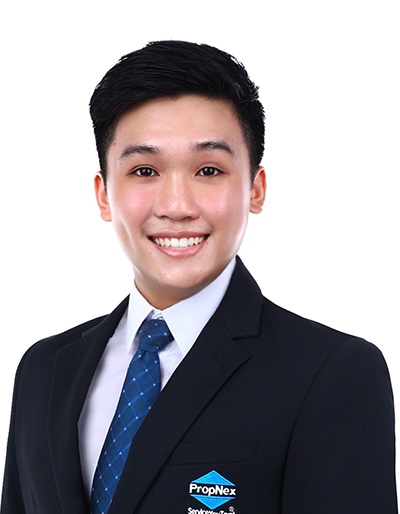
Jervis Koh · tested in my own business
Working realtor, The Real Matters. If a prompt doesn't survive real clients, it isn't here.
Describe the scene like a photographer: subject, setting, light, lens, and format. Real photo terms — 'golden hour', '50mm', 'shallow depth of field' — steer the result far better than 'beautiful'.
Image prompting is a distinct skill from chat prompting. The difference between a generic, stocky result and a striking one is almost always specificity — describing a scene the way an art director briefs a shoot rather than the way a customer orders a stock photo.
- ▸Google ImageFX free — photorealistic, generous free limits — best to start
- ▸Ideogram — the one to use when the image needs readable text
- ▸Adobe Firefly — commercially safe, with legal indemnification
- ▸Flux (Black Forest Labs) — top-tier photorealism for portraits and products
The four pillars
Subject and action; setting and background; lighting and mood; framing and aspect ratio. Mood and lighting in particular do most of the emotional heavy lifting, so never skip them. Leave a pillar out and the model defaults to bland.
Borrow the photographer's vocabulary, and iterate
Photography terms steer image models far more reliably than vague adjectives — 'shallow depth of field', 'soft diffused light', 'overhead flat-lay', 'rule of thirds'. Then iterate one element at a time rather than rewriting from scratch: change the light, then the angle, then a prop. Refining a near-miss is faster and more controllable than rolling the dice on a whole new prompt.
Control composition and consistency
At the advanced level you're directing, not describing — specify where the subject sits, where negative space goes, the camera angle, and use a reference image when words can't capture the look. The hardest skill is consistency: producing a set that shares a style. Lock a detailed prompt skeleton, change only the subject, and reuse the same lighting and lens language every time.
- 1Name the subject and what it's doing.
- 2Add the setting and background.
- 3Set the light and mood — this does most of the work.
- 4State the lens/angle and aspect ratio; generate a few and refine one detail at a time.
Prompt formulas to copy
Was this useful?
I drop one like this most days in the channel — free, no spam.
Want the prompts that go further?
Drop your email + WhatsApp — I'll send the weekly playbook and the full prompt vault.
Prefer to ask first? Message me on WhatsApp · see plans